Overdue invoice email templates for the next action your customer needs
Copy eight overdue invoice and payment reminder emails. Handle first reminders, missing POs, disputes, promised payments and unapplied cash.
By the Duebird team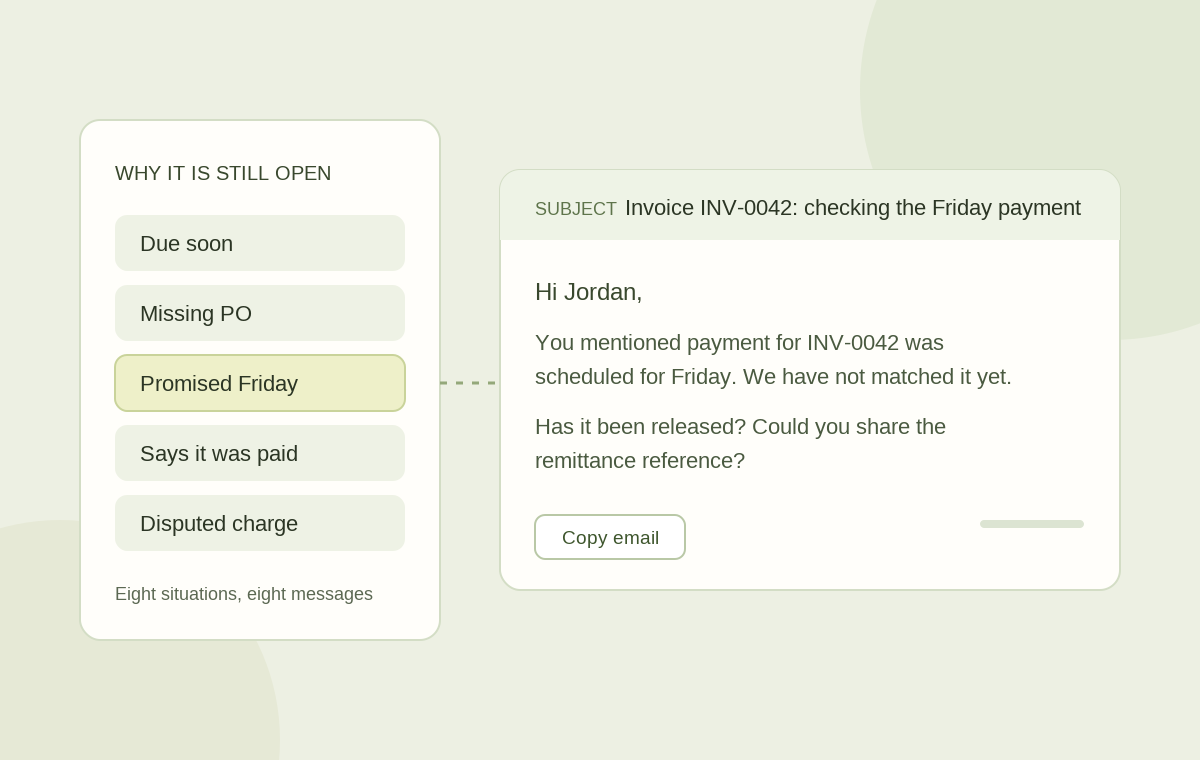
An overdue invoice email should identify the invoice, show the remaining balance and ask for one clear next action. Before you send it, check the latest customer reply and payment activity. A missed due date, a missing PO and a payment already sent need different messages.
These eight templates cover the common next steps for a B2B finance team. Replace the bracketed fields, attach or link the relevant invoice, and keep the message in the existing customer thread where possible.
Choose the message from the account's current status
| What you know | Use this message | What you need back |
|---|---|---|
| Invoice is due soon | 1. Before the due date | Confirmation that it is ready for payment |
| Due date passed, no other context | 2. First overdue reminder | A payment date or a specific blocker |
| First reminder received no reply | 3. Second reminder | The payment owner and next date |
| A PO or billing detail is missing | 4. Resolve the missing detail | Confirmation the invoice can proceed |
| Customer questions a charge | 5. Acknowledge the dispute | The exact item to resolve |
| A promised payment date passed | 6. Follow up on the promise | Payment reference or a revised date |
| Customer says payment was sent | 7. Find the payment | Remittance and transaction details |
| Balance still needs a senior decision | 8. Escalate the account | A named owner and resolution plan |
1. Payment reminder before the due date
Use this when an invoice is approaching its due date and the customer has not raised an issue. It gives the customer time to identify missing information before the payment becomes late.
Hi [name],
Invoice [number] for [currency and amount] is due on [date]. I've attached a copy for your payment run.
Is everything in place to pay it by then? If you need a PO reference or supporting document, let me know.
Thanks,
[your name]
2. First overdue invoice email
Check that the due date matches the agreed terms and that no payment or reply has arrived. Keep the message direct and give the customer an easy way to tell you what is holding it up.
Hi [name],
Invoice [number] has an outstanding balance of [currency and amount] and was due on [date]. A copy is attached.
Could you confirm the expected payment date? If something is holding it up, please tell me what you need from us.
You can use the payment details on the invoice or [payment link].
Thanks,
[your name]
Use the remaining balance after recorded payments and credits, rather than repeating the original invoice total.
3. Second reminder when there has been no reply
A second email should make the next request clearer. Ask who owns the payment if the person you contacted cannot confirm it.
Hi [name],
Following up on my note from [date]. The [currency and amount] balance on invoice [number] is still open.
Please confirm by [reply date] when payment will be released. If another person handles this, could you include them in this thread?
I've attached the invoice again so the details are together.
Thanks,
[your name]
If repeated emails reach nobody, check the billing contact or use an agreed phone contact. More reminders to the wrong inbox will not resolve the handoff.
4. Follow-up after fixing a missing PO or billing detail
When the customer needs a correction or reference, resolve that issue in the message. A generic overdue notice leaves the actual blocker untouched.
Hi [name],
I've attached [the updated invoice/the supporting document] with [the PO number/correct billing details] you requested.
Can you confirm that invoice [number] can now proceed for payment, and let me know the expected payment date?
Thanks,
[your name]
Use this after you have made the stated correction. If the request would change an issued invoice, follow your billing process and keep the change history clear.
The B2B SaaS invoice checklist helps your team check the entity, references and supporting detail before the invoice goes out.
5. Respond to an invoice dispute
Identify the disputed item and the person resolving it. Keep the commercial answer and the invoice status connected.
Hi [name],
Thanks for flagging [issue]. [Colleague name] is reviewing [specific charge or period] against [the agreement/the approved work].
We will update you by [date]. Could you send [the specific detail needed] so we can resolve it in that review?
Thanks,
[your name]
Set that review date before promising it. Record whether the whole invoice or only one charge is disputed, and give one colleague ownership of the next customer message.
See how to decide whether sales or finance should follow up.
6. Follow up after a promised payment date
Check for received and unapplied money before sending this message. Also check whether the customer promised to initiate a transfer or said the funds would arrive by that date.
Hi [name],
You mentioned that payment for invoice [number], [currency and amount], was scheduled for [date]. We have not matched it to the invoice yet.
Has it been released? If so, could you share the remittance reference? If the date has changed, please confirm the new one.
Thanks,
[your name]
Record the answer with the invoice so the next reminder uses the new information. The payment promise follow-up guide covers how to keep the promise, review date and owner together.
7. Customer says they have paid, but the invoice is still open
An open invoice does not establish that the customer has not paid. The money may still be settling, may have arrived without a reference or may cover several invoices.
Hi [name],
Thanks for confirming the payment. We are checking how it should be applied to your account.
Could you share the amount, currency, payment date and transaction or remittance reference? If the payment covers several invoices, please include the allocation.
I'll confirm once we have matched it.
Thanks,
[your name]
Keep ordinary reminders on hold while the payment is being investigated. Work through the paid-but-still-open checklist before asking the customer to pay again.
8. Escalate an unresolved balance
Use this when earlier requests have not produced a payment date or resolution. Include a senior colleague who can help resolve the account and agree the response deadline internally.
Hi [name],
Invoice [number] has an outstanding balance of [currency and amount], due since [date]. We last contacted you on [dates].
Please confirm by [deadline] either the payment date or the specific issue preventing payment, with the person responsible for resolving it.
I've included [colleague] so we can agree the next step together.
Thanks,
[your name]
Any decision about fees, service changes or further collection action should follow the agreement and your company's approved process. Keep the email specific to the action the team is ready to take.
Set a review cadence that responds to replies
A simple starting point is a check before the due date, a first reminder after it passes and a further review several business days later. Treat that as a review schedule. The latest reply, a dispute or a payment promise can change the next action.
Before each send, check:
- The current balance after payments and credits.
- The agreed terms and actual due date.
- The latest reply from any customer contact.
- Any payment promise, active dispute or reminder hold.
- The colleague who owns the next message.
- The invoice, reference and payment link included in the email.
When one customer has several open invoices, a single account-level message can keep the request clearer. Show each invoice and balance, and ask how the customer intends to allocate the payment.
Prepare the reminder with the account in view
Duebird brings the AR inbox, invoice and customer history together. It prepares reminder drafts for your team to review, edit and send. Your team controls what goes out.
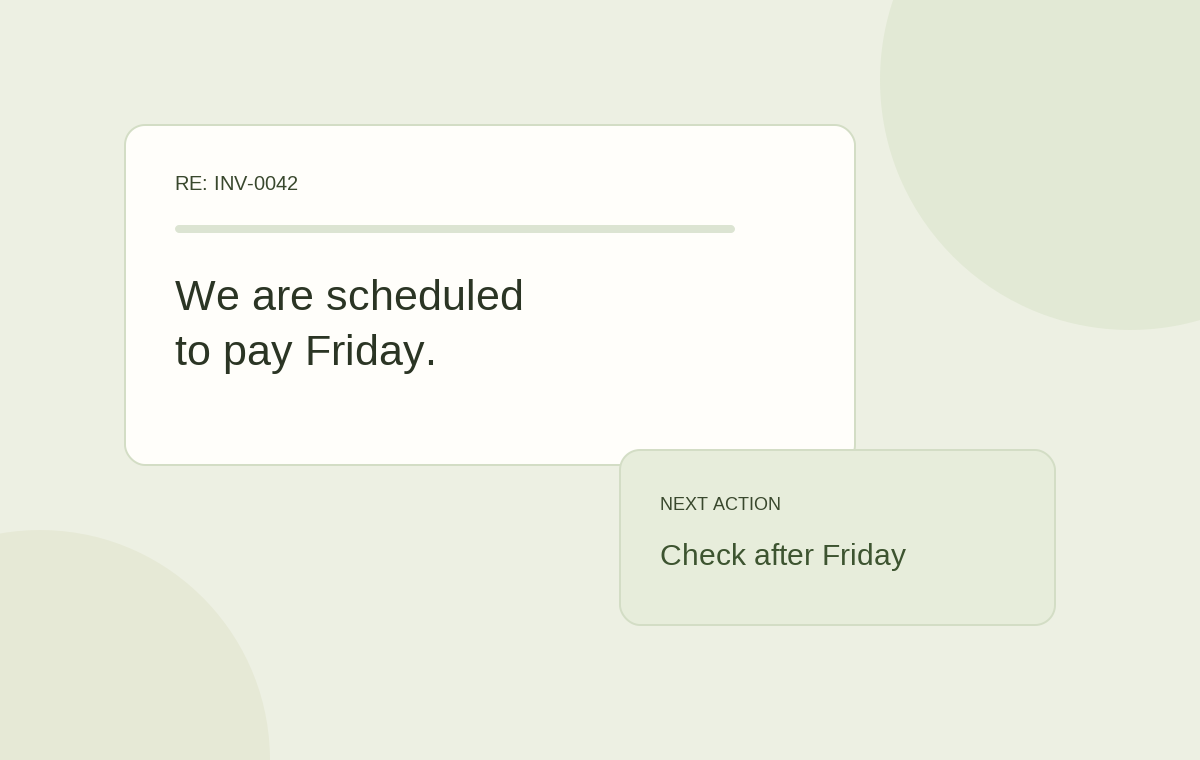
That keeps the next message connected to what the customer actually said. A promised Friday payment can shape the follow-up. A billing question can go to its owner. A payment already received can move to reconciliation.
Explore the AR inbox and follow-up workflow.
Frequently asked questions
What should an overdue invoice email include?
Include the invoice number, remaining balance and currency, due date, invoice copy or link, and one clear request. Add relevant context from the customer's last reply.
What if the customer already promised to pay?
Follow up on the promised date and amount after checking for the payment. Ask for a remittance reference or revised date rather than restarting a generic reminder sequence.
Should finance or sales send the reminder?
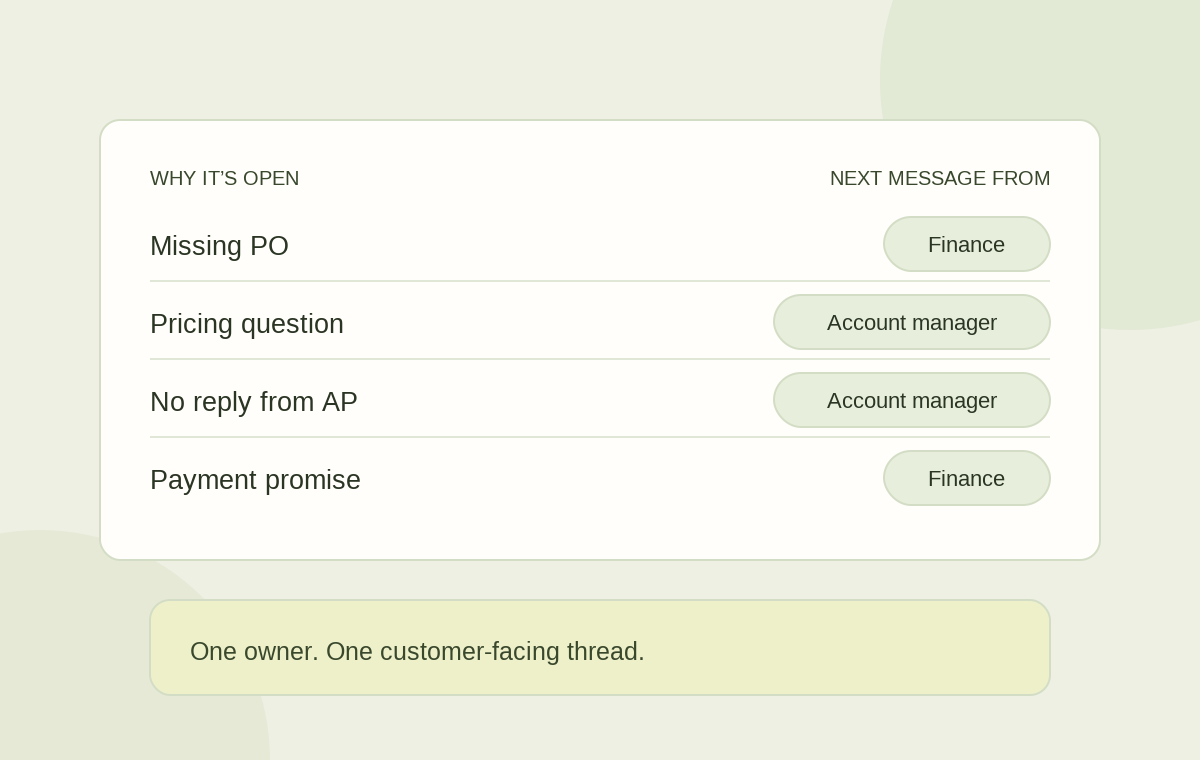
Finance usually handles billing and payment details. An account manager may be better placed to resolve a commercial question or reach a silent contact. Give one person the next message and share the outcome.
Can Duebird send reminders without a review?
Duebird prepares reminder drafts. A person reviews and sends each message.