The contract is signed. Why hasn’t the first invoice gone out?
The sale is complete, but the first invoice is still waiting. Here is how to find the missing handoff and make the next action clear.
By the Duebird team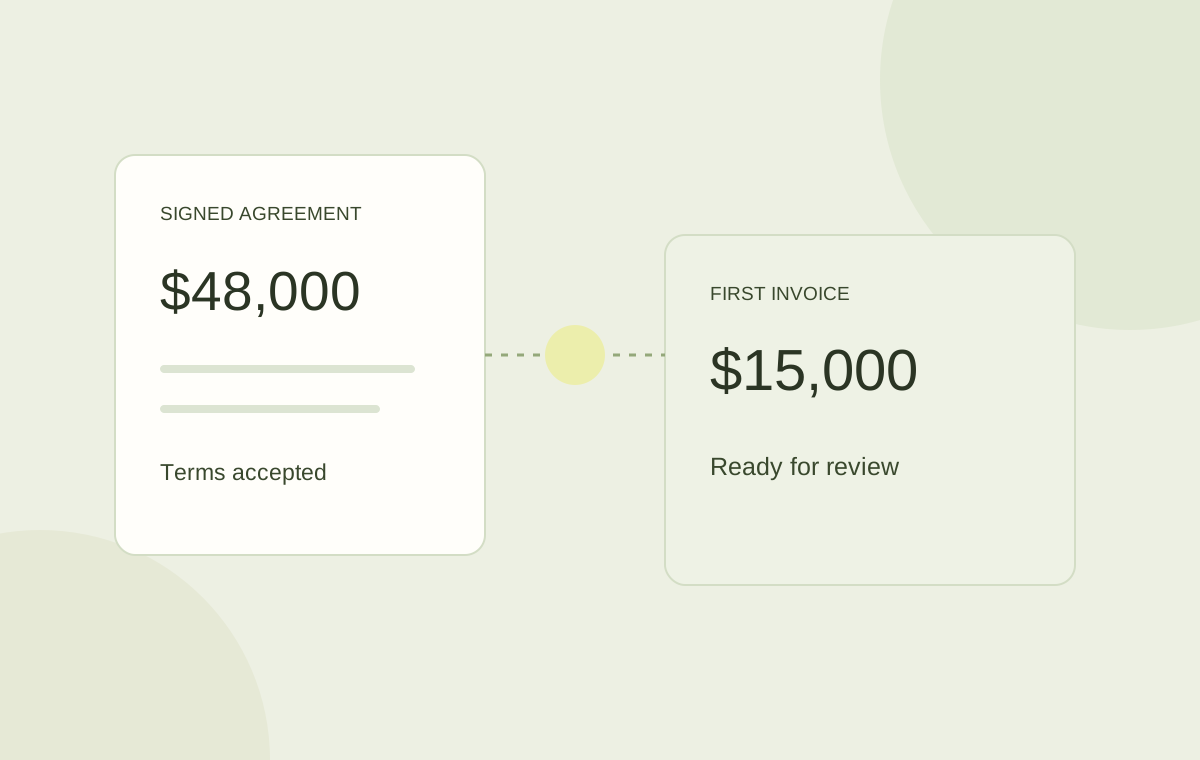
A signed contract needs a billing owner, a first-invoice date, agreed charges, and the customer’s required references. Confirm those details in one handoff before preparing the invoice.
A signed agreement does not tell you whether an invoice has been prepared, approved, or sent. Those are separate events, often owned by different people. When the handoff is just a CRM notification or a forwarded contract, each person assumes the next step belongs to someone else.
Start by locating the deal in the workflow. Is the billing plan missing? Is finance waiting for a customer reference? Is the invoice approved but still unsent? A queue that says only “closed won” cannot answer those questions.
Find the event that actually starts billing
The signature date, service start date, and invoice date may be different. A customer can sign in February for a service that begins March 1, with payment due 45 days after the invoice. The first billing task should follow the agreed terms rather than an assumption about when the deal closed.
Write down the billing trigger and the person responsible for it. If a purchase order or implementation milestone is required first, make that dependency visible. A task waiting for a reference needs a different response from an invoice waiting for approval.
Give finance a billing brief, not another document hunt
Finance needs the accepted version and the terms that affect the first invoice. Put them together before the deal leaves the commercial stage.
- Legal customer name and the entity issuing the invoice.
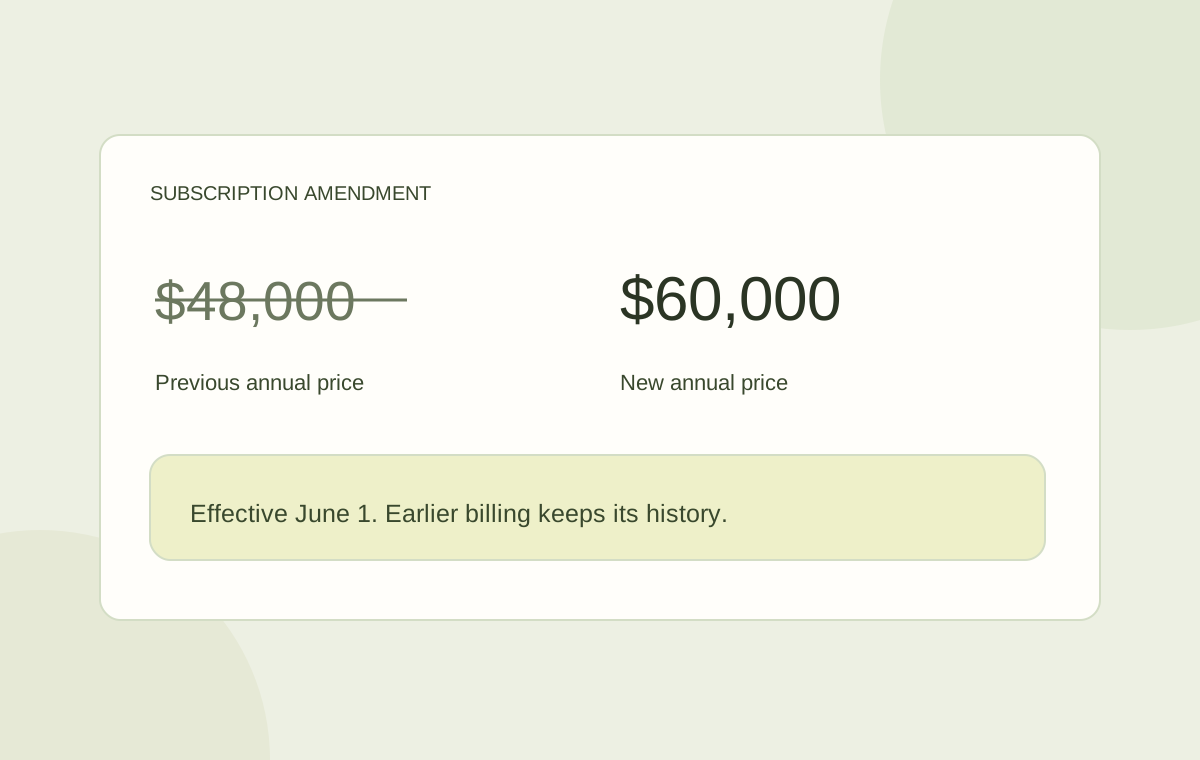
- Signed proposal, amendments, and service start date.
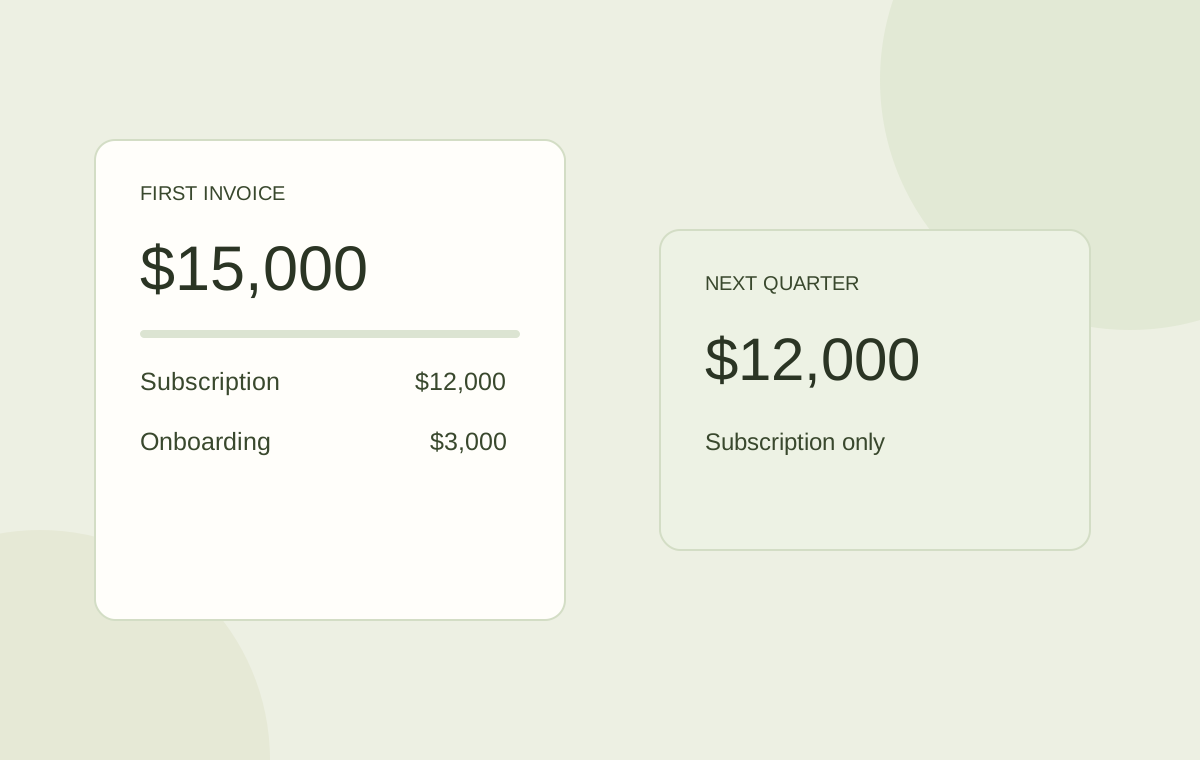
- Recurring charges, one-time fees, quantities, and billing frequency.
- Customer PO or other reference requirements.
- Invoice recipient, payment terms, and the next internal owner.
Make the states explicit
Use a separate status for each meaningful transition. A prepared invoice is not a sent invoice. An approved invoice can still sit in a queue, and a sent invoice can still need a corrected contact.
| State | What must be true | Next owner |
|---|---|---|
| Terms accepted | The signed version is attached. | Sales |
| Billing prepared | Charges and dates match the agreement. | Finance |
| Invoice approved | The required review is complete. | Authorized reviewer |
| Invoice sent | Delivery has been completed or a delivery issue is visible. | Billing owner |
Create an exception queue with a next action
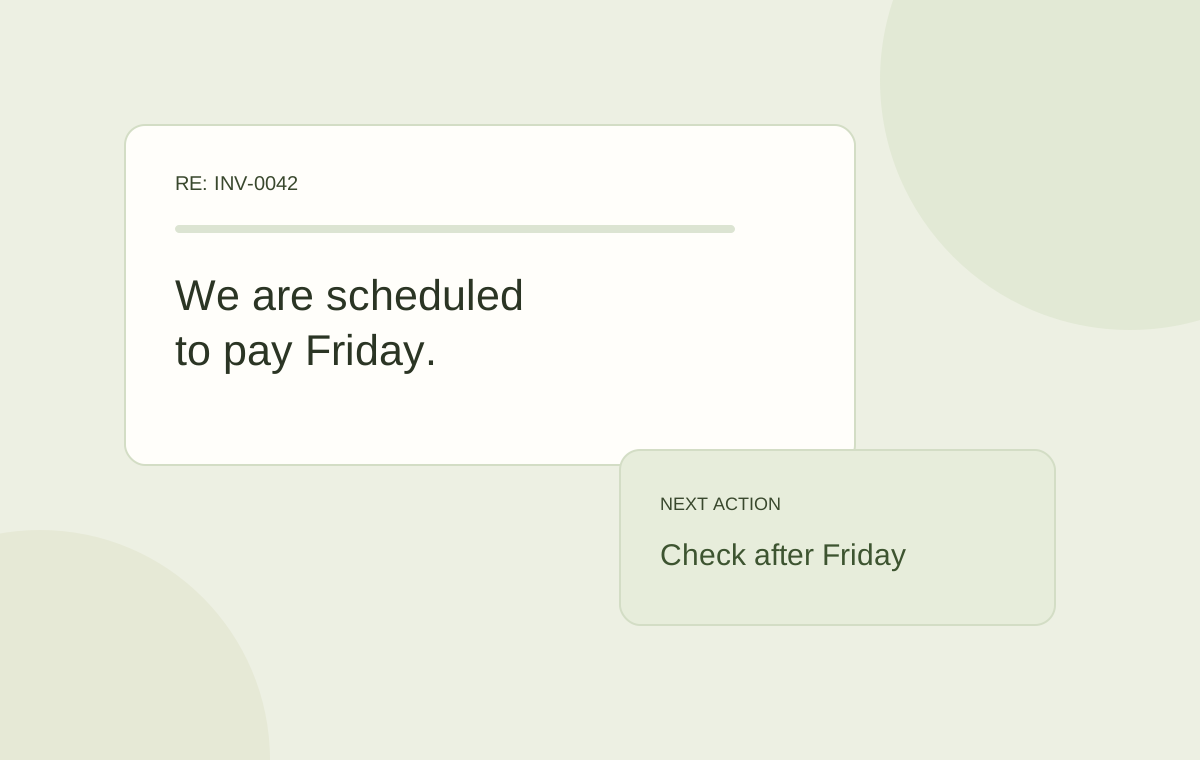
A shared list of blocked first invoices is more useful than another weekly reminder to “check billing.” Give every exception a reason, an owner, and a next action. “Awaiting customer PO, Maya to request it” can move forward. “Pending” cannot.
Review the queue by the date the invoice should have gone out. Fix the recurring handoff issue when you see the same missing information across several accounts. The goal is to make the standard path dependable while keeping genuine exceptions visible.
Keep the handoff in the customer account
Duebird connects proposal creation, e-signature, billing schedules, invoice review, and the customer conversation. Sales and finance can work from the same accepted terms instead of rebuilding the deal in separate tools.
Bring one recently signed agreement to a walkthrough. Follow it from acceptance to the first invoice and identify where information or ownership disappears. That gives you a concrete process to improve.
Track billing prepared, invoice approved, and invoice sent as separate states. Each needs an owner.
Sources and further reading
Official references for the concepts and software examples discussed in this article.