The customer paid. Why is the invoice still open?
Money can arrive before it is applied to an invoice. Check the receipt, the remittance, and the allocation before the next reminder.
By the Duebird team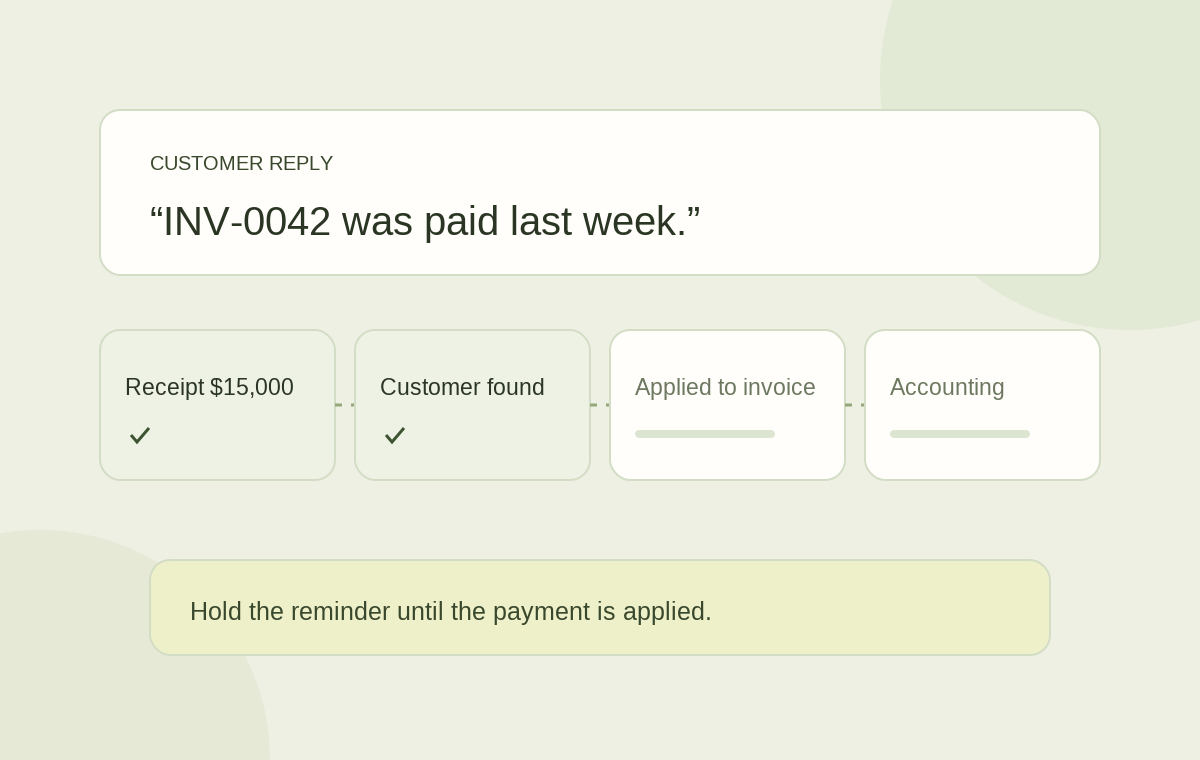
A payment can arrive before it is applied to the invoice. Check the receipt, the customer, the remittance reference, and the allocation, then confirm the accounting result before sending another reminder.
A payment can arrive before it is correctly applied to an invoice. Check the receipt, customer, remittance reference, and allocation, then confirm the accounting result. Until that review is complete, an open balance alone is not enough evidence to send the customer another payment demand.
In this example, Jordan writes that INV-0042 was paid last week. The invoice still shows $15,000 open. Before anyone replies, find out where the money is.
Confirm what was received
Separate what the customer told you from what arrived. Each of these is a different level of evidence, and an email alone does not settle an invoice.
| What you have | What it tells you |
|---|---|
| A promise to pay | The customer intends to pay. |
| Remittance advice | What the customer says it paid, and for which invoices. |
| Processor notification | A payment was started or authorized. |
| Pending bank transaction | Money is on its way, not yet settled. |
| Confirmed receipt | The money arrived. |
Find the customer and the intended invoices
A receipt that cannot be tied to a customer or an invoice stays unapplied. Look for the reason it did not match.
| What happened | What to look for |
|---|---|
| No reference on the payment | The remittance or the customer’s email |
| Paid by another entity | A parent company or payer name on file |
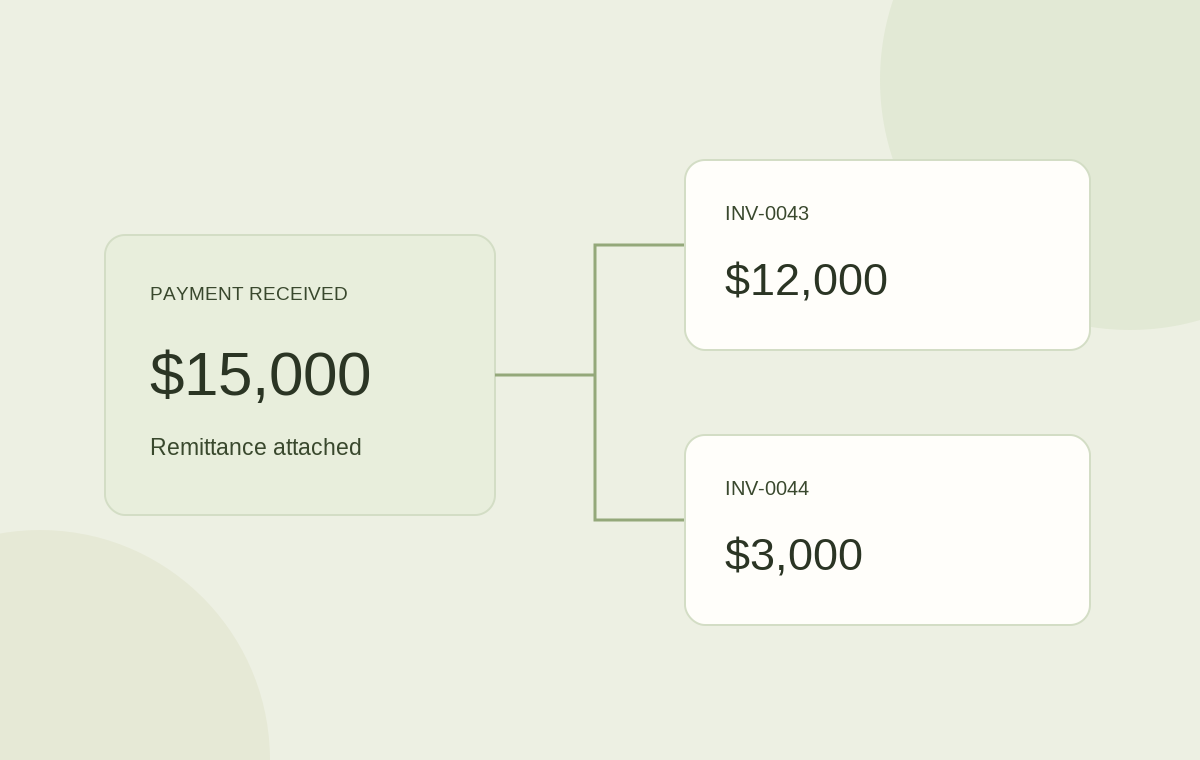
| One payment for several invoices | The remittance’s list of invoices |
| Different currency or amount | A fee, deduction, or exchange difference |
See how to read remittance references when the payment itself carries none.
Check the allocation and the accounting state
Three things have to happen for the invoice to close: the payment is recorded, it is applied to the invoice, and the accounting record shows the result. A payment can stop at any of them.
Once the receipt is found, apply it to the invoices it settles and review the result before it reaches accounting.
Then review payment application before confirming which balances clear.
Hold the wrong reminder and assign the fix
While the investigation runs, pause the reminder for that invoice. A payment demand for money the customer already sent creates a second problem on top of the first.
Give the fix one owner with a short note: “INV-0042: Jordan says it was paid on November 18, reference 88231. Receipt not yet applied. Maya to check and confirm by Wednesday.”
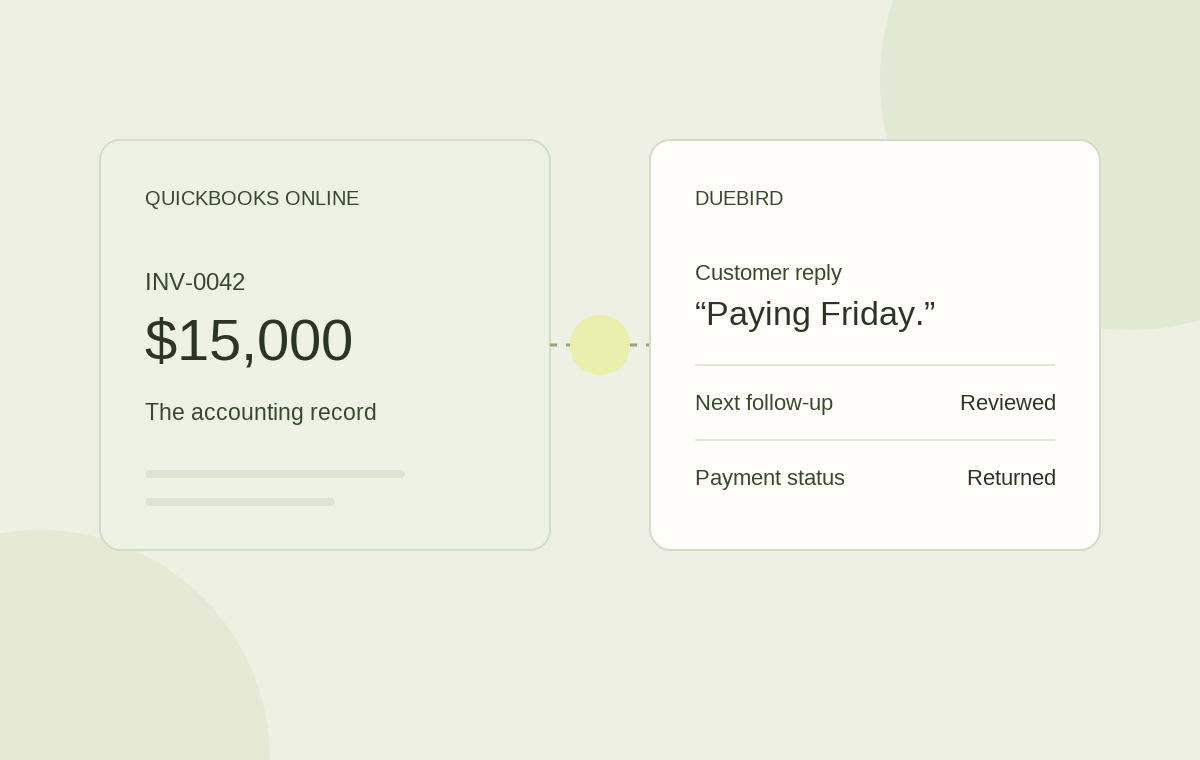
One term to keep apart: in QuickBooks Online, “Unapplied Cash Payment Income” is a line on cash-basis reports with its own meaning. It is not the same thing as a payment waiting to be applied to an invoice.
You can hold reminders during the investigation so the customer hears from you once, with the answer.
Keep the receipt and the conversation together
Duebird keeps incoming remittances, proposed invoice applications, and the customer’s replies with the account. Finance can see the received amount and the open balance before a reminder is prepared.
Bring one invoice the customer says is paid to a walkthrough, and trace where its payment stopped.
Find the receipt and apply it before sending another reminder. An open balance alone is not evidence of non-payment.
Sources and further reading
Official references for the concepts and software examples discussed in this article.