Working with Xero: what stays and what connects
Xero keeps the accounting record. Here is how billing, collection, and payment review connect to it.
By the Duebird team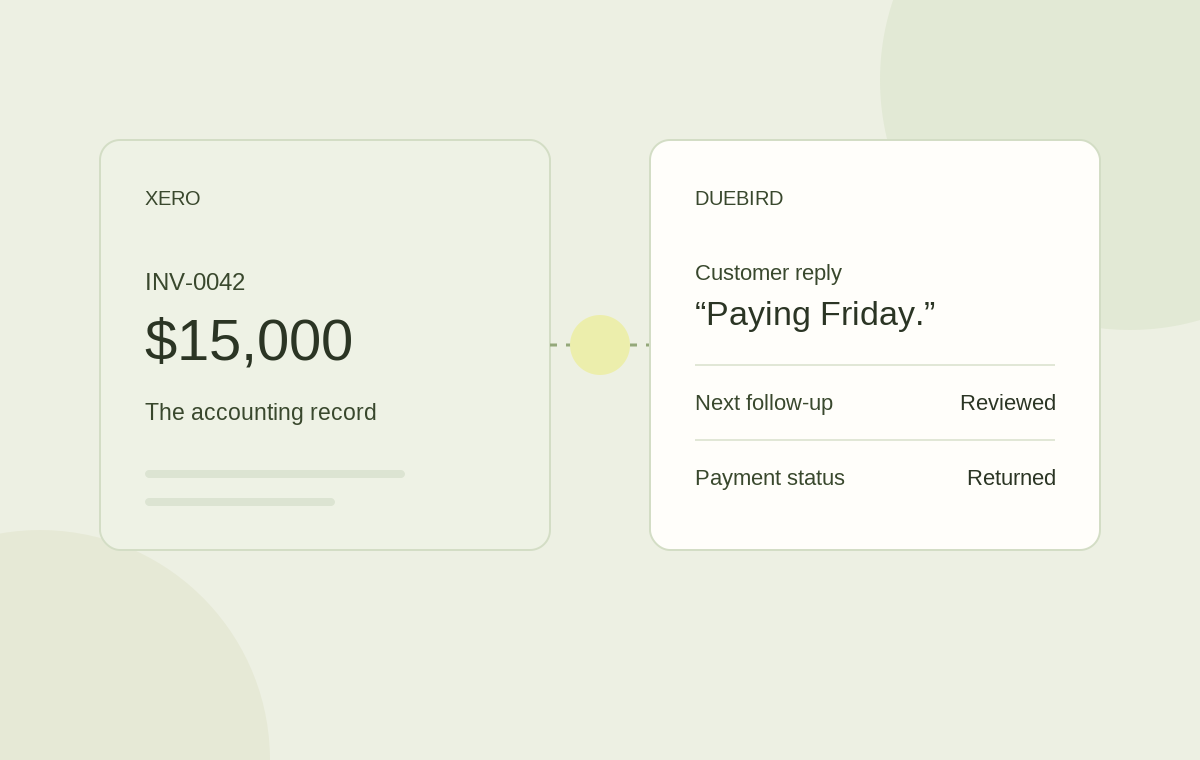
Xero keeps the accounting record. Duebird can post reviewed invoices to it or bring in the invoices it issues, keep the customer conversation with each one, and return the reviewed payment status.
Xero can stay the system that holds your accounting record while your team handles customer replies, follow-up, and payment review in Duebird.
This guide covers what stays in Xero, the two ways to work with it, and what happens when you connect.
Keep the accounting record in Xero
Xero holds the accounting record: your customers, products and services, invoices, and payments as your books know them. Duebird connects the commercial work around those records.
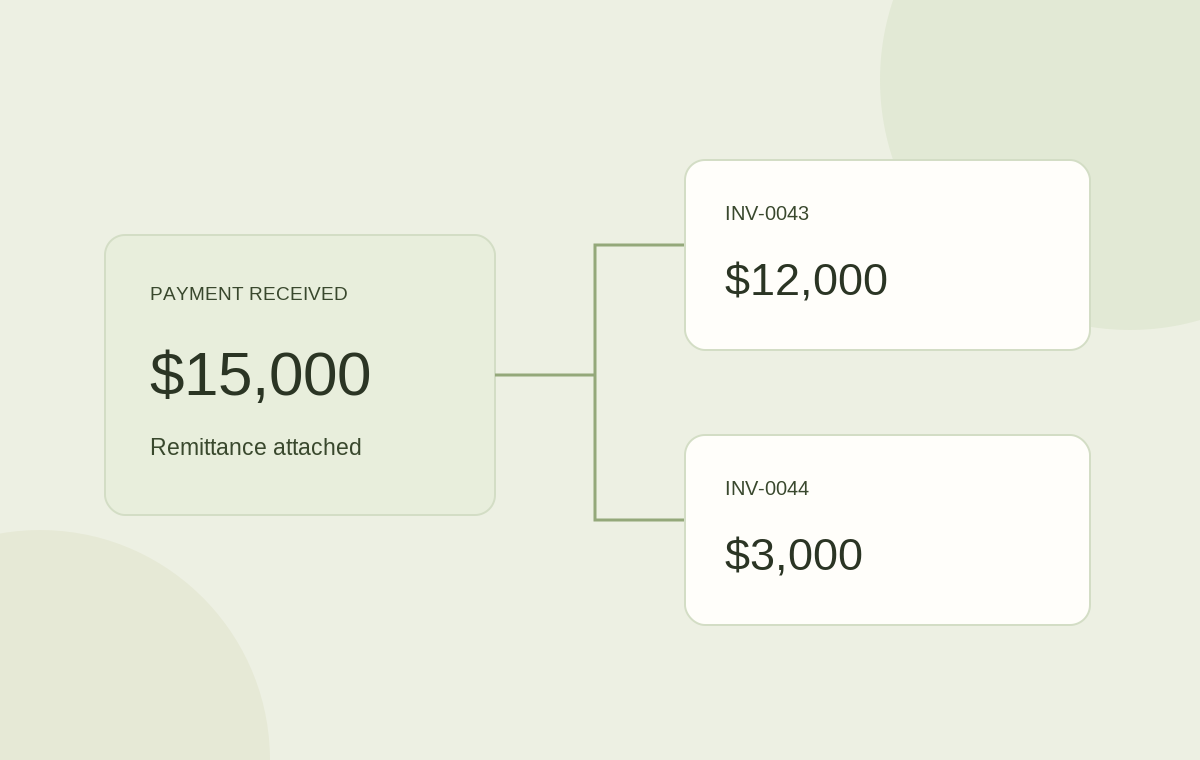
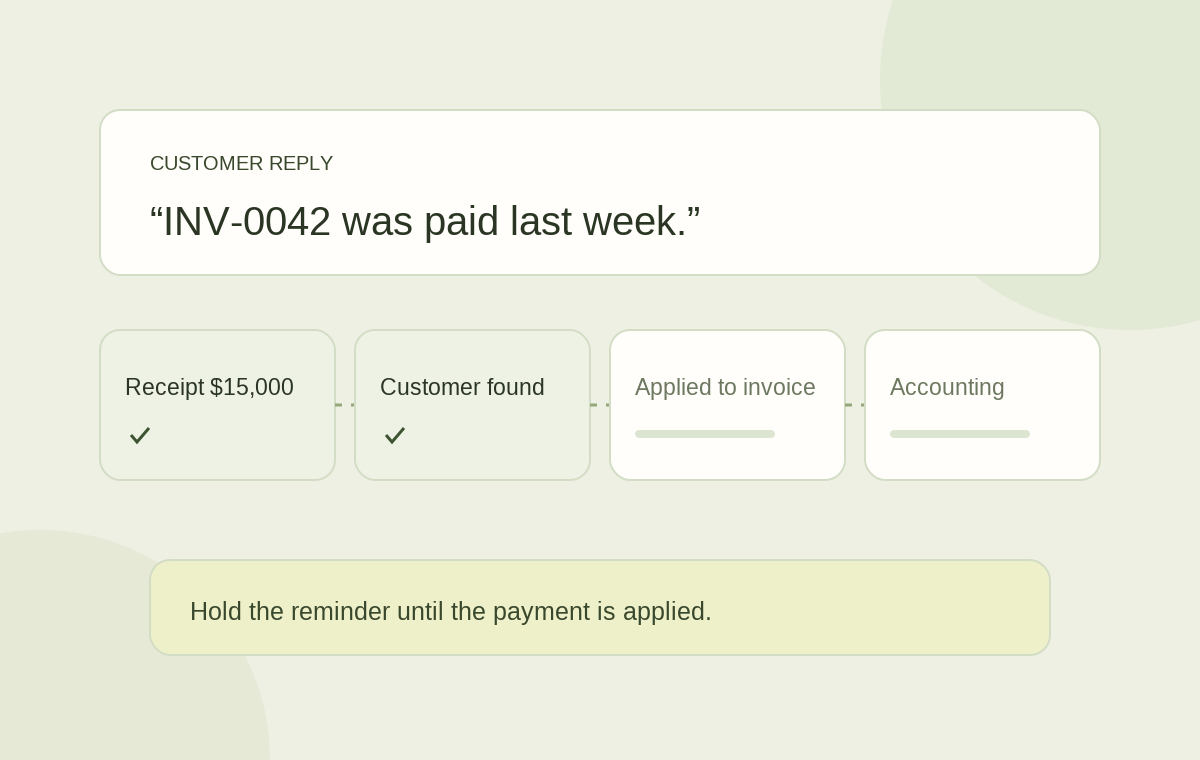
Payment received, payment applied, and the accounting result are separate states. A connected workflow keeps each one visible, so the team knows which step an invoice is waiting on.
If invoices already start in Xero, see how to keep ERP-originated invoices and improve what follows.
Choose where billing starts
Bill in Duebird: the invoice is prepared from the agreed terms, reviewed, and then posted to Xero. A customer Xero does not have yet is listed for approval before it is created.
Bill in Xero: invoices you already issue there are brought into Duebird, where the customer conversation and payment options connect to them.
Either way, the reviewed payment status is returned to Xero.
Put the next collection action in context
An open invoice is only part of the picture. The latest reply, a payment promise, or a question about a charge decides what the next message should say.
Xero can send its own invoice reminders. Duebird adds the conversation: the reply, the promise, and the person responsible for the next step, with a follow-up your team reviews before it goes.
See how to manage the AR conversation around each open invoice.
Connect and review the first records
An adviser or admin of the Xero organisation connects it, one organisation at a time. Then the setup runs in reviewed steps.
- Customers and products are read from Xero and added when you apply them.
- Tax rates are matched to the rates your invoices charge.
- Nothing changes in Duebird until someone on your team reviews and applies it.
- Record ownership, entities, and posting rules are confirmed with your team before rollout.
Once connected, check payment application on one invoice before rolling out.
Start with one invoice
Duebird connects with Xero so the invoice, the customer conversation, and the reviewed payment stay together, with Xero holding the accounting record.
Bring one open invoice and the reply that came with it to a walkthrough. Anything particular to your setup is confirmed before rollout.
Keep the accounting record in Xero. Connect the conversation, the follow-up, and the reviewed payment around it.
Sources and further reading
Official references for the concepts and software examples discussed in this article.